# LEN-
Formula: =LEN(A1)
The LEN formula counts the number of characters in a cell. Be careful though! This includes spaces.
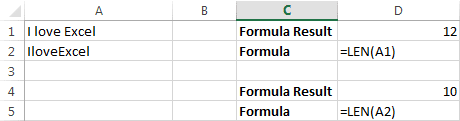
Notice the difference in the formula results: 10 characters without spaces in between the words, 12 with spaces between the words.
Example 1
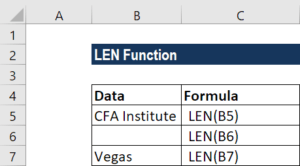
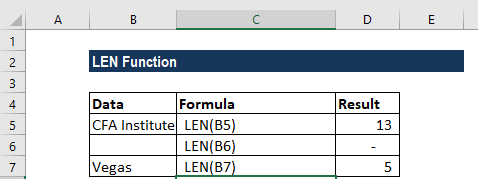
Let’s see how we can test a few conditions. Suppose we are given the following values:
We will get the results below:
Comments
Post a Comment